LogoNadou AI Video Generator
  • Create
  • AI Image
  • AI Video
  • Prompts
  • Pricing
LogoNadou AI Video Generator

Powered by Kling 4 AI | Fast Video Generation | Professional Quality

TwitterX (Twitter)DiscordEmail
Resources
  • Create
  • Scenes
  • Works
  • Prompts
Company & Legal
  • About
  • Contact
  • Privacy Policy
  • Terms of Service
  • Refund Policy
Image Models
  • Z-Image
  • GPT-4o
  • Flux 2
  • Flux 2 Pro
  • Flux 2 Klein
  • Qwen Image 2
  • Seedream 4.0
  • Seedream 4.5
  • Seedream 5.0
  • Grok Imagine
  • Nano Banana Pro
  • Nano Banana Flash
  • Nano Banana 2
Video Models
  • Google Veo 3.1
  • Google Veo 3.1 Pro
  • Seedance 1.5 Pro
  • Seedance Fast
  • Seedance Quality
  • Seedance 2.0
  • Hailuo 02
  • Kling v2.6
  • Kling v2.5 Turbo
  • Kling v2.1
  • Kling v2.1 Master
  • Kling O1
  • Kling v3.0
  • Kling v3.0 Pro

This website is an independent third-party service built around Nadou workflows. We are not the official website for Nadou, and all product names, model names, and trademarks belong to their respective owners.

© 2026 Nadou AI Video Generator All Rights Reserved.

[email protected]
Full Public ReleaseNovember 2025

AI Image Generation

Produce high-resolution, professional AI images in seconds. Start with a text prompt or upload a reference image, switch between leading image models instantly, and refine your work without ever leaving the page.

Choose your preferred model version

Loading content...

Your Prompt:

auto

1:1

2:3

3:2

3:4

4:3

4:5

5:4

9:16

16:9

21:9

AI Model:
Output Quality

Loading content...

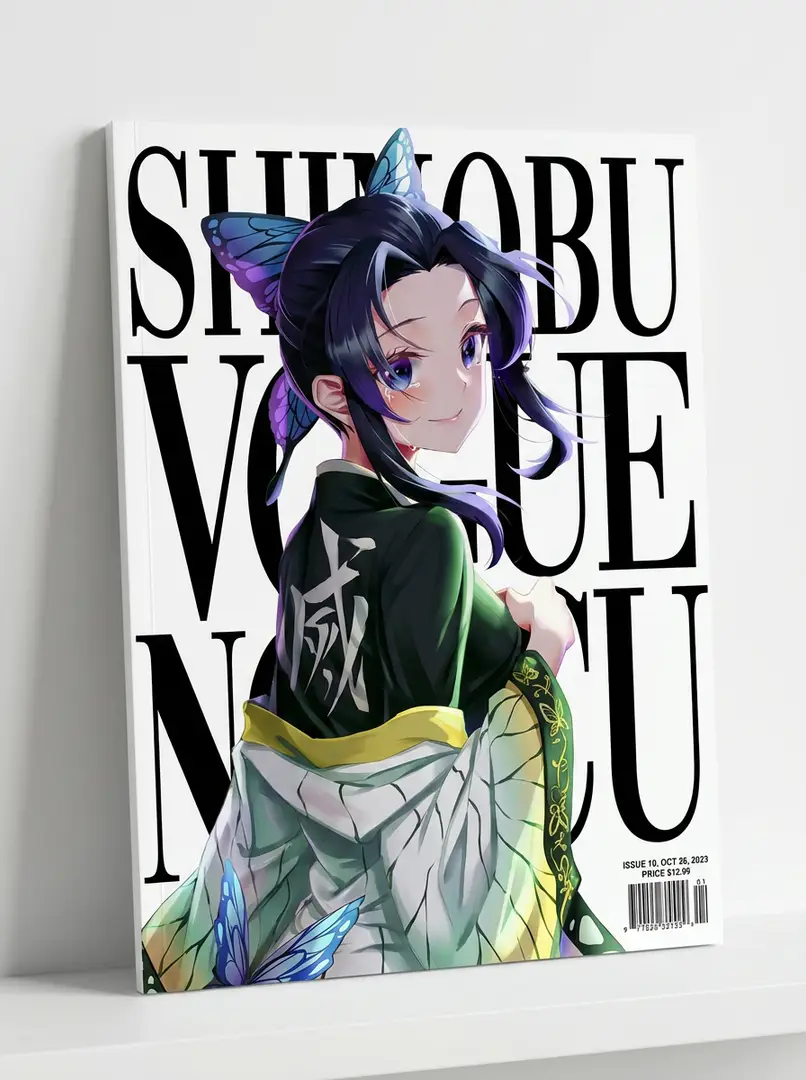
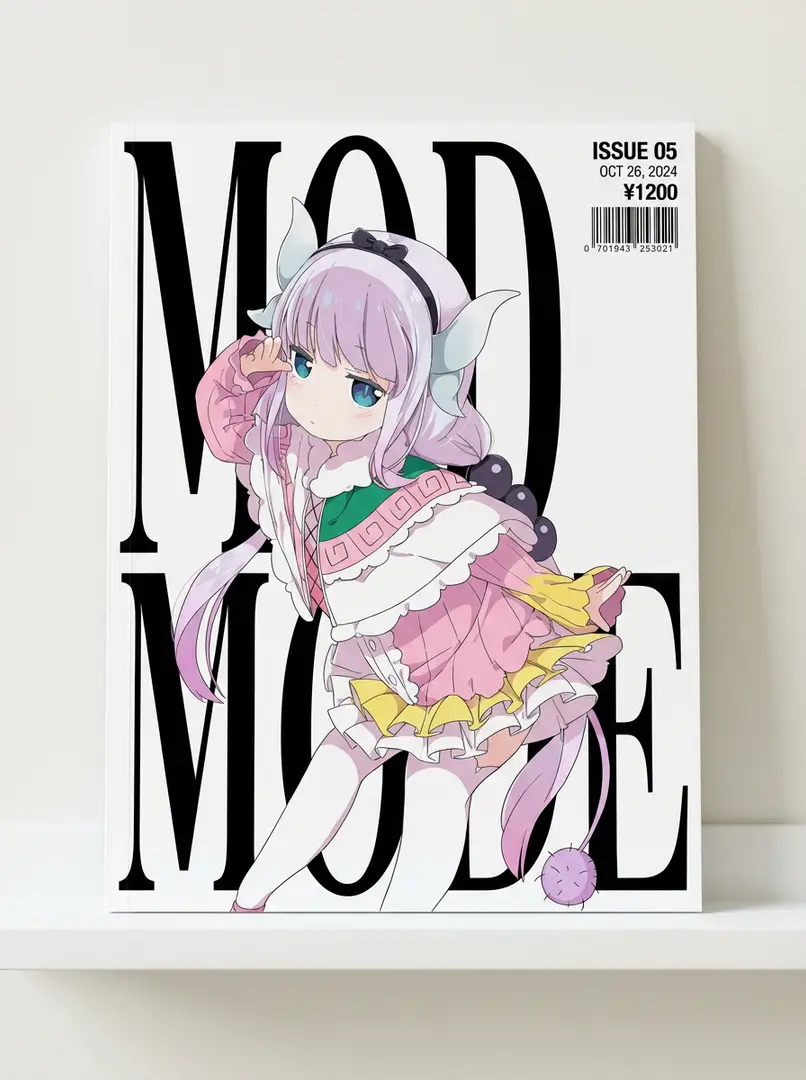
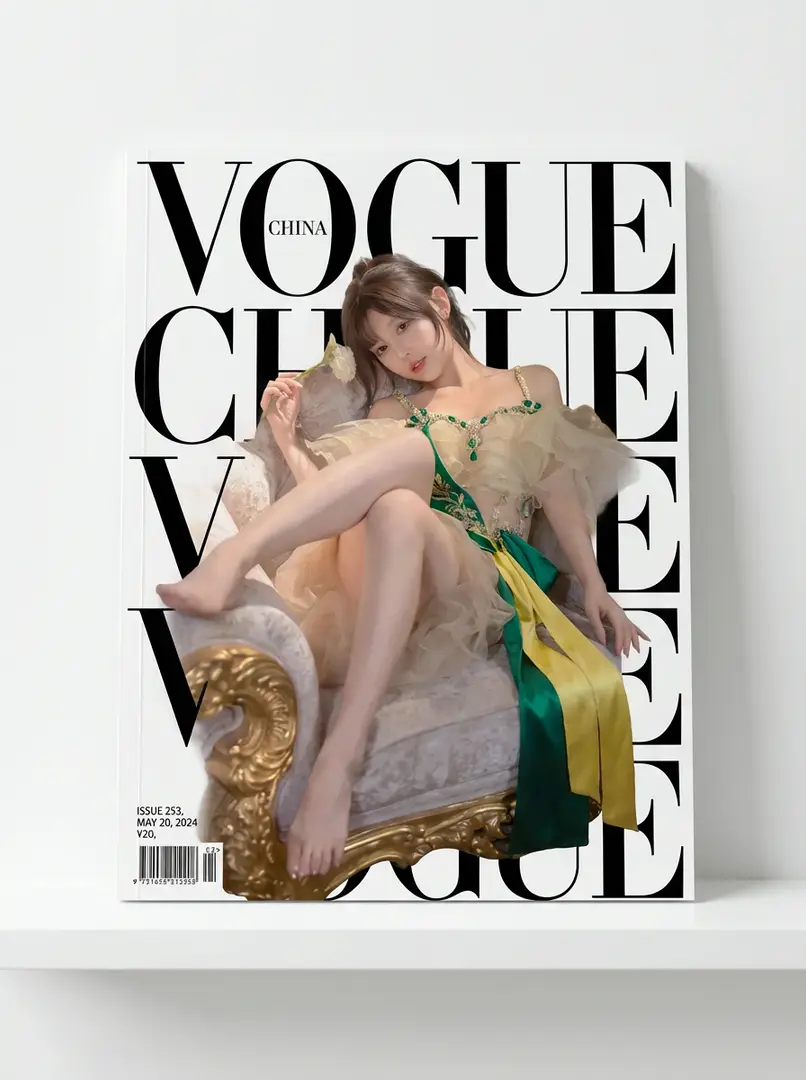
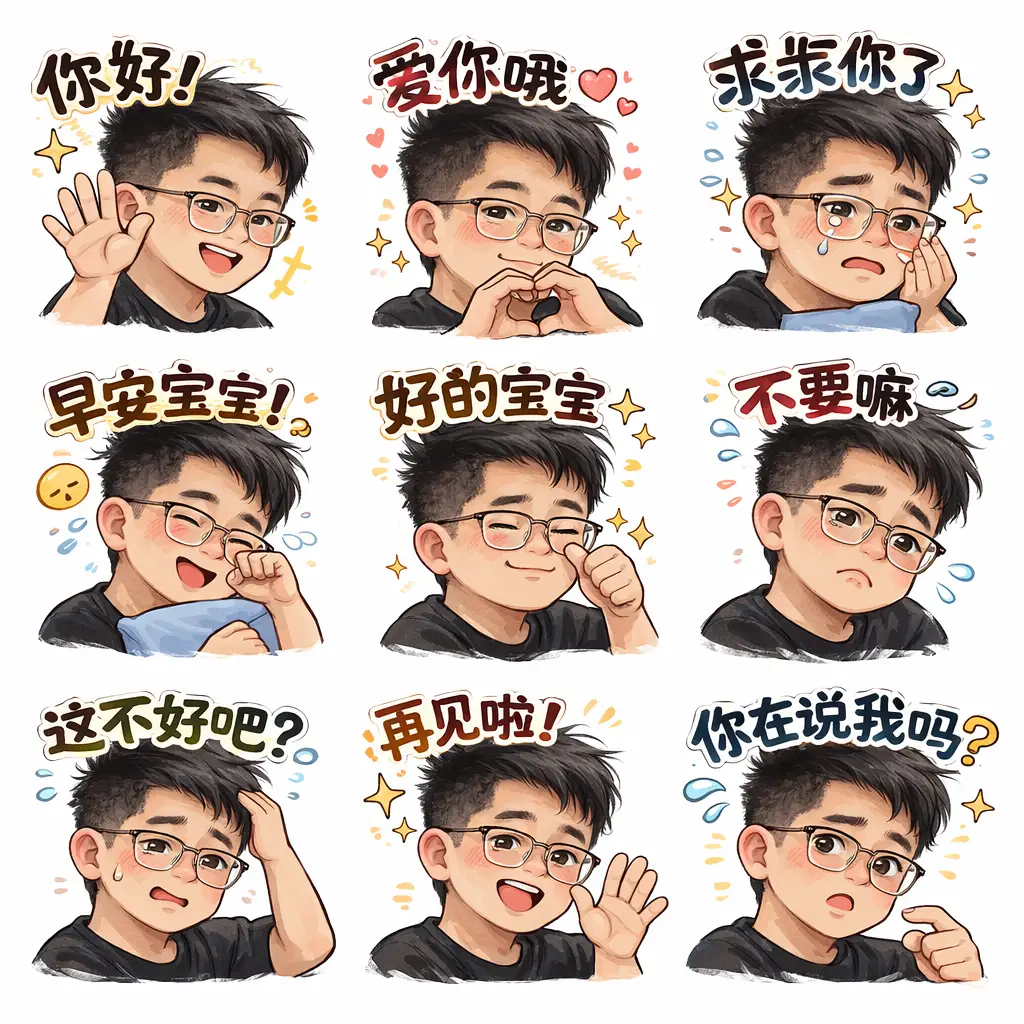
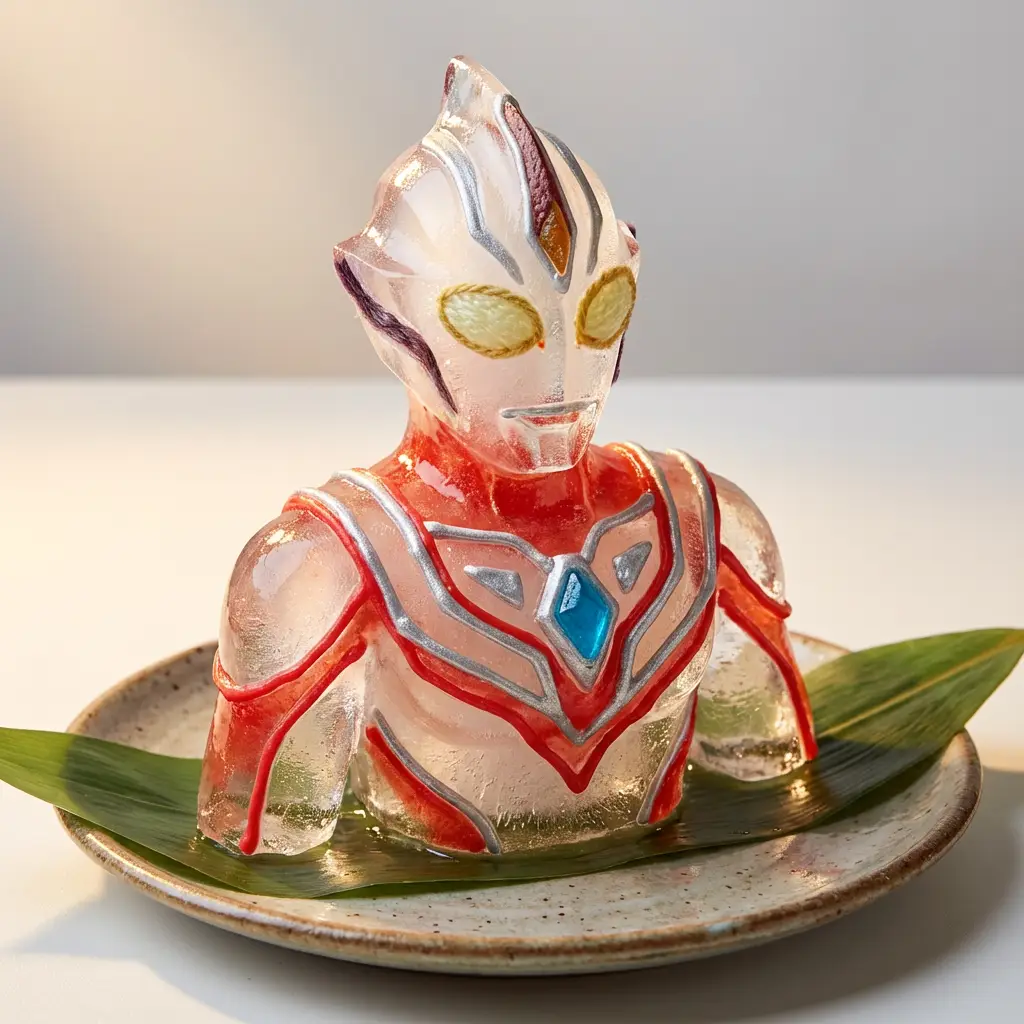
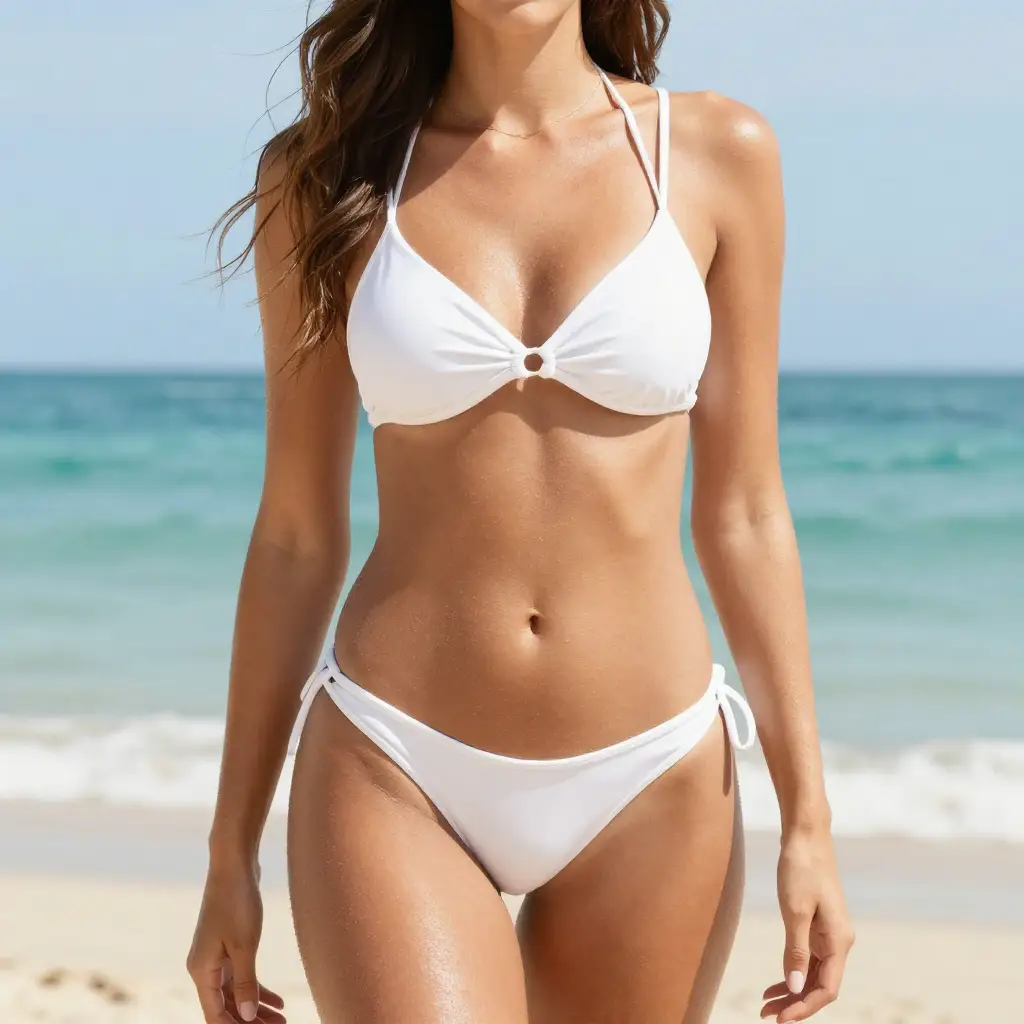
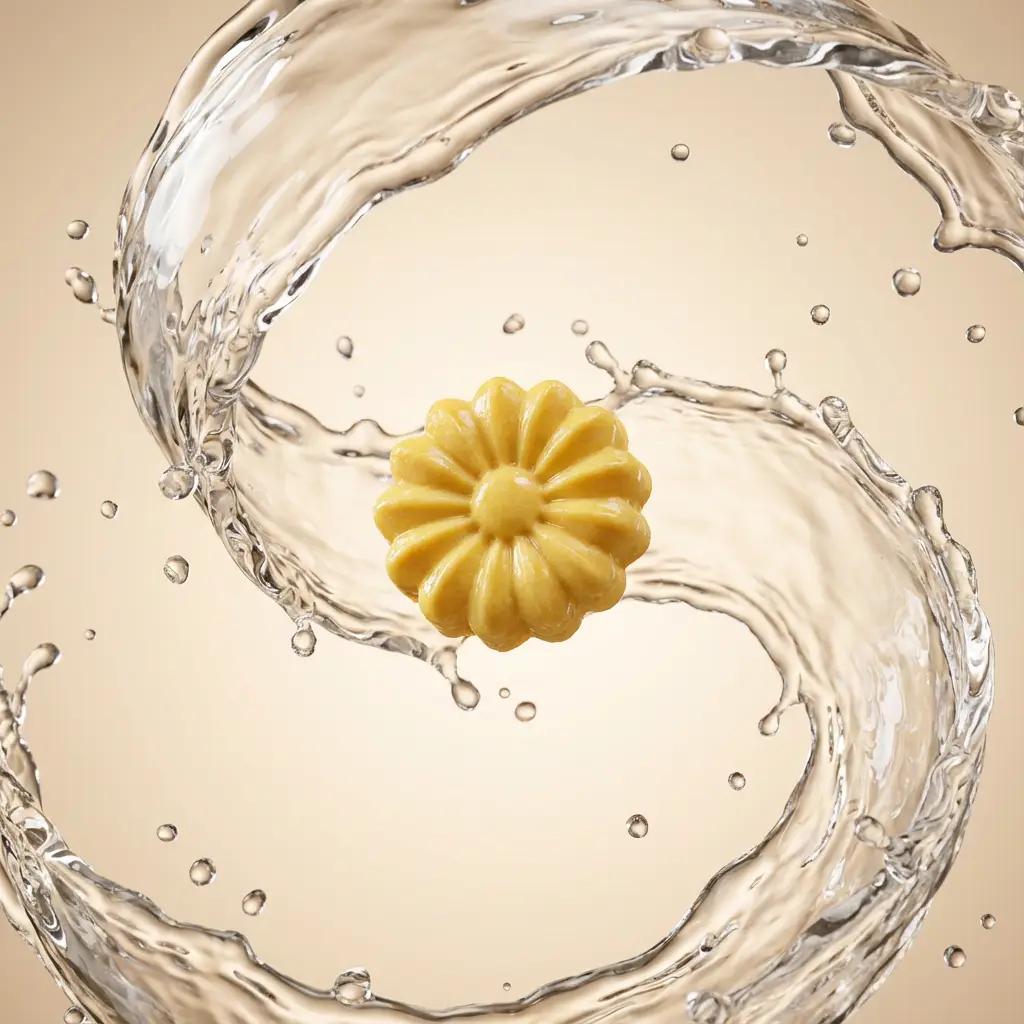
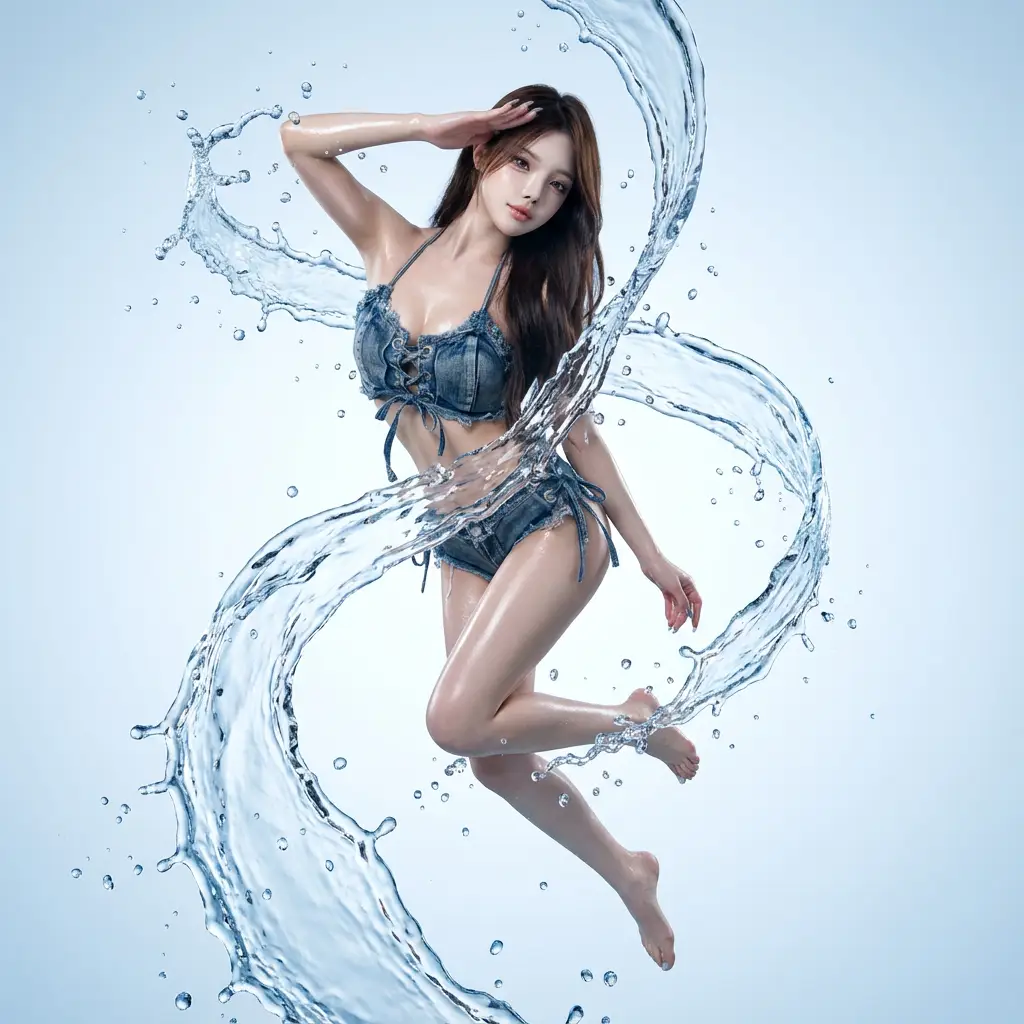
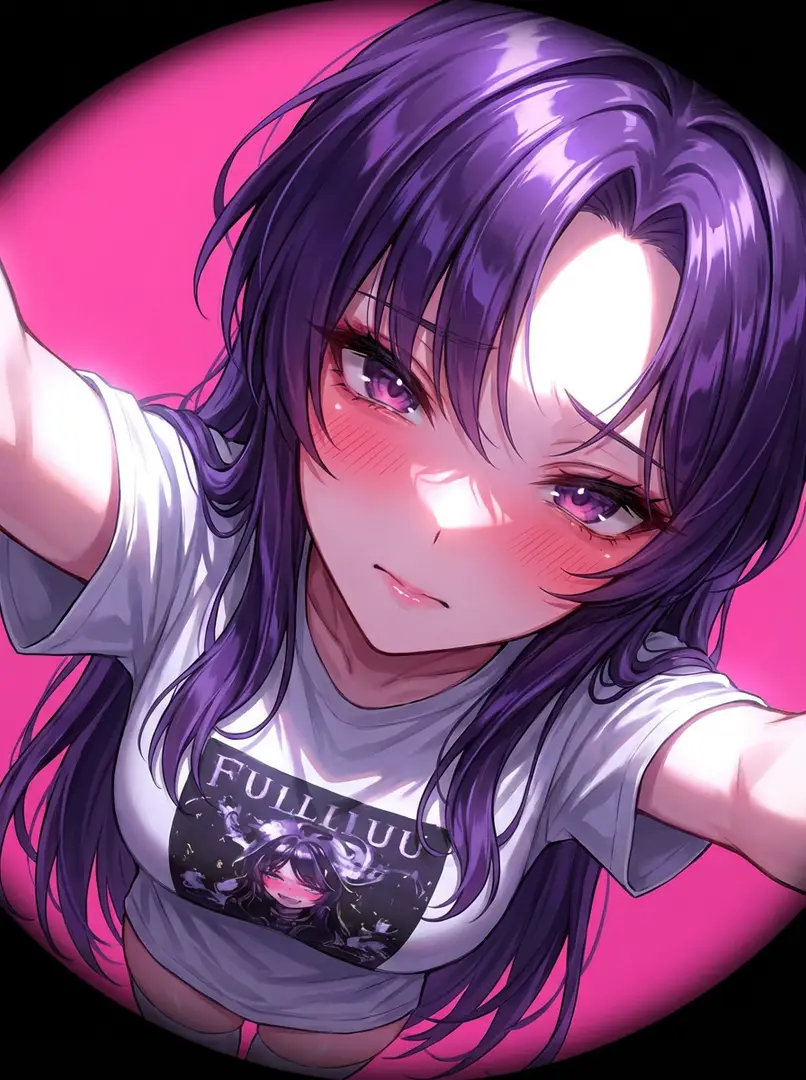
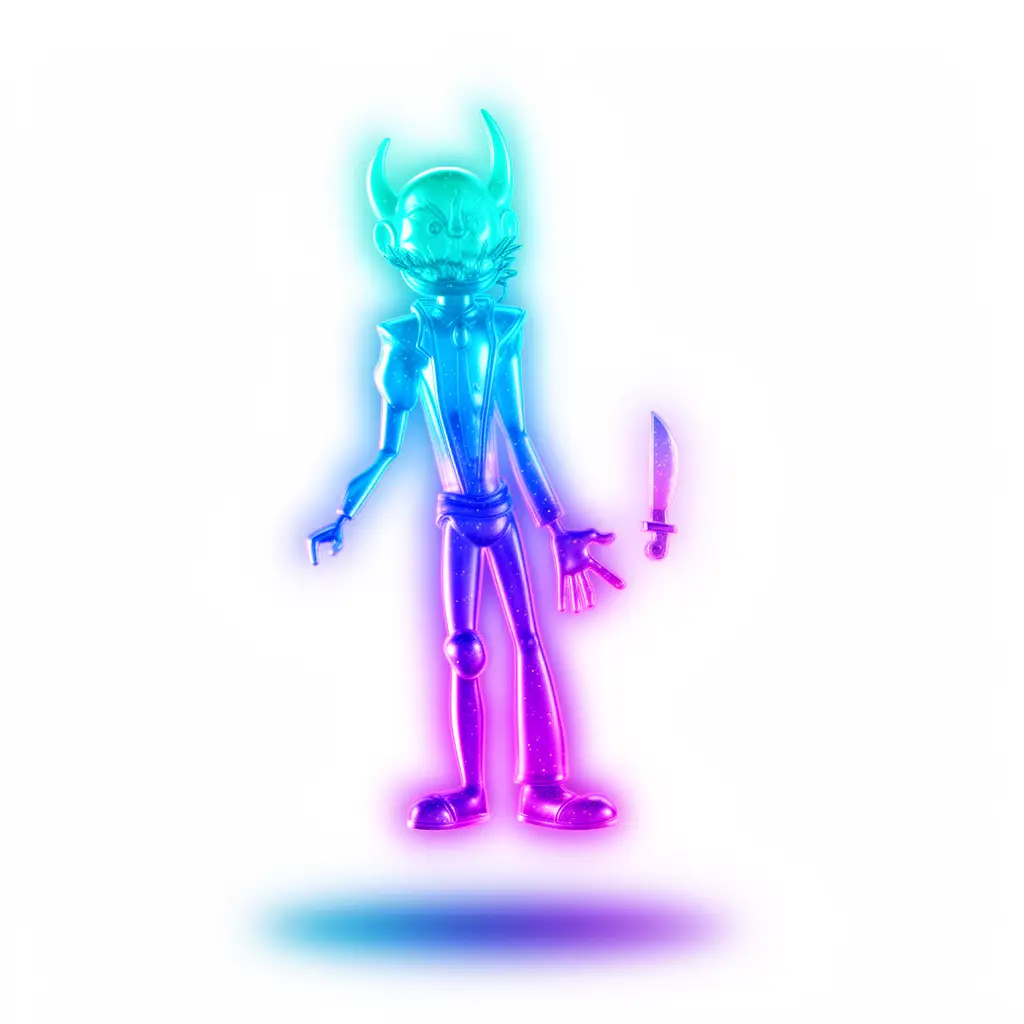
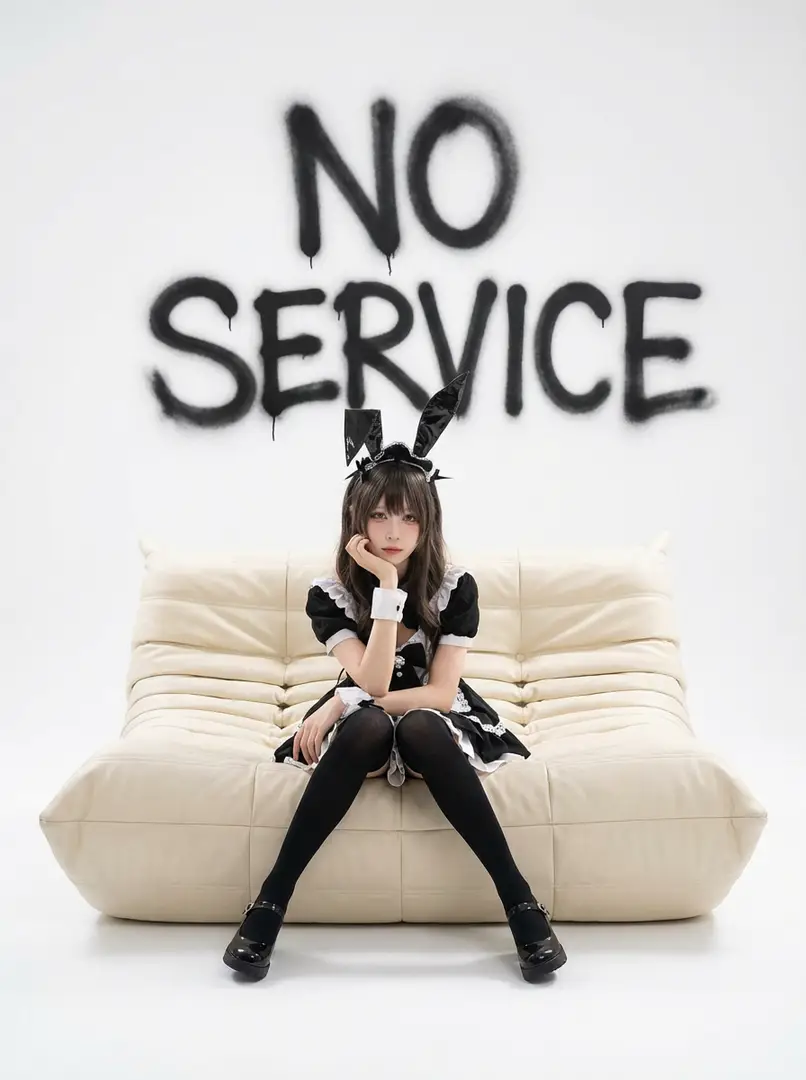
Example Scene Outputs 1
Click to view full size
How It Works

Choose your model, define your vision, generate in seconds

Start by clarifying your unique visual goal, then select the image model that aligns with your preferred prompt behavior, editing depth, and output style you want.

01

Define your visual project goal

Begin by outlining your core subject, desired layout, and final use case such as product, poster, social creative, or concept art.

02

Upload references for tighter creative control

Add one or more reference images when you need precise control over product identity, framing, style, or text placement.

03

Generate drafts and swap models instantly

Generate your first draft, then test a different model family if you need cleaner text, different realism, or more responsive edit behavior.

What makes this workspace different

AI image generation that lets you compare models before committing

This workspace is built for creators who know their project goal but haven't found the best image model for the job yet. Generate your first drafts quickly, compare outputs fast, and go deeper only when you're ready.

All leading image model families in one generator

Switch between GPT-4o, Nano Banana, Seedream, Flux, Qwen, and Z-Image without having to rebuild your entire workflow from scratch.

Compare all leading hosted image families from one centralized workspace.
Swap faster when one model doesn't hit your creative target.
Keep model selection practical instead of just theoretical pre-project work.

Text-only and reference-based workflows all in one place

Kick off your project from a prompt, or add reference images when shape, framing, or product identity needs more control.

Use text-to-image for a completely fresh first pass at your idea.
Use image-to-image when your core creative direction already exists.
Keep your prompt and references working in sync across model swaps.

Built for layout, text, and campaign exploration

Some projects need readable text or stronger prompt adherence, while others benefit from a more cinematic or polished image bias.

Pick GPT-4o for text-aware visual work.
Pick Seedream or Flux for different levels of visual polish and aesthetic style.
Compare model families before you lock your final campaign direction.

Hosted convenience now, deeper model pages later

If one image model starts to fit your needs, you can jump into its dedicated page for deeper prompt examples, real-world use cases, and workflow guidance.

Stay broad here when speed matters most.
Go narrow later when model-specific precision matters.
Keep your first generation path simple and approachable.
Popular Use Cases

Top projects for multi-model AI image generation

These are the most frequent use cases for creators who want a single flexible workspace instead of being locked into the limitations of just one image model.

Product and packaging visuals

Produce high-converting product hero shots, retail packaging mockups, ecommerce still lifes, and core campaign key visuals for your brand.

Poster and social creative

Design launch posters, ad layouts, and social-first graphics where clean readable text and intentional composition matter most.

Reference-based image edits

Refresh existing visuals by starting from one or more references, updating style, materials, color palette, framing, or background direction.

Concept boards and art direction

Use multiple models to compare mood, finish, and inherent visual bias before you lock in your final creative direction for a project.

Prompt examples

Prompt patterns tailored to common image jobs

Use these as starting points for AI image generation, then swap the model when the result needs different text rendering, realism, or editing behavior.

Product visual

Excellent prompt alignment

Ideal for clean product still lifes and premium ecommerce visuals.

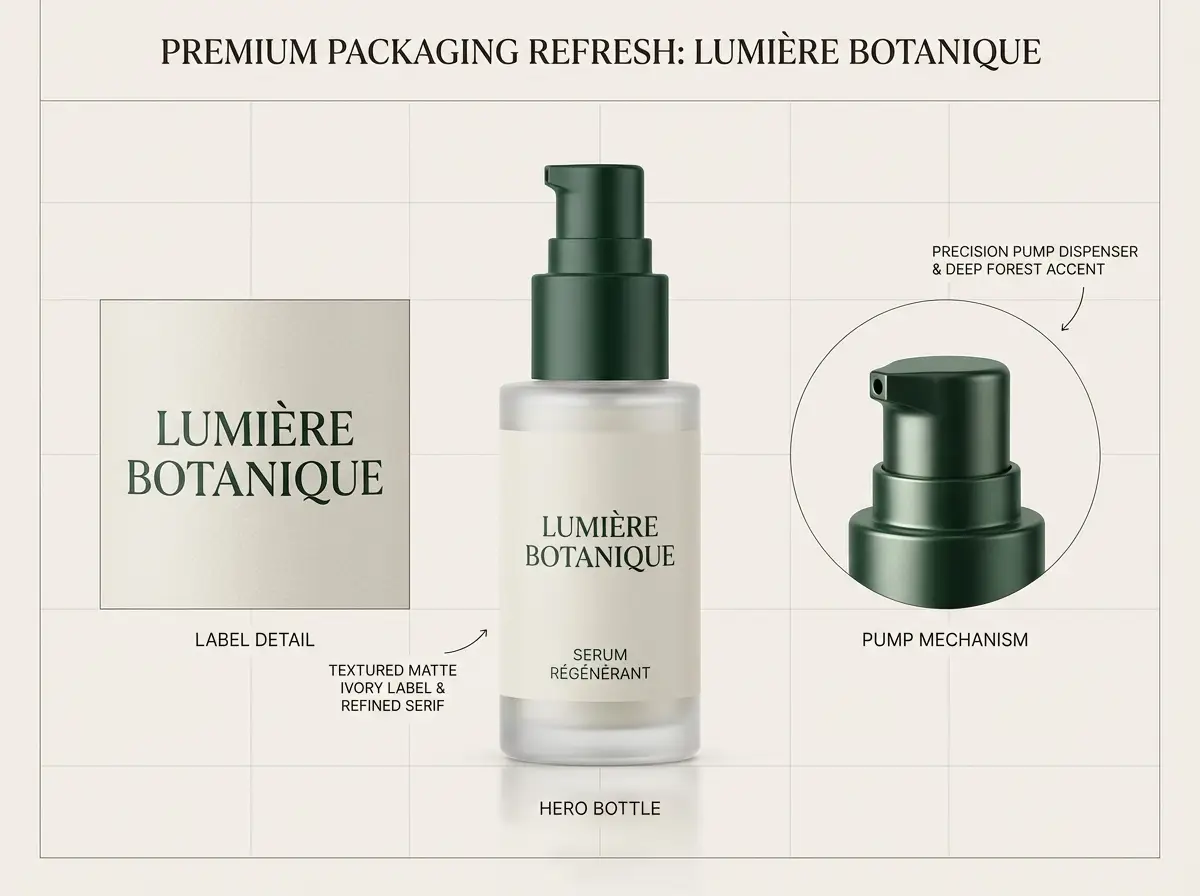
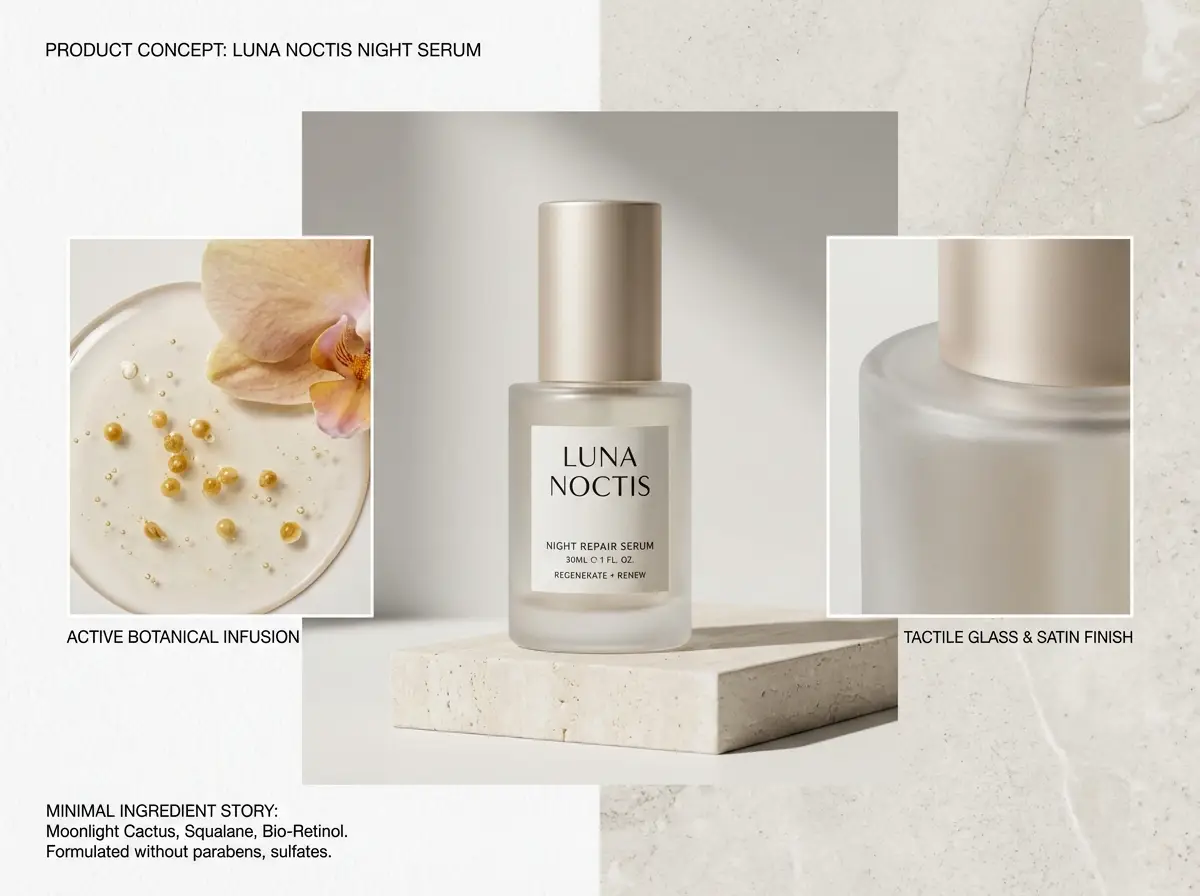
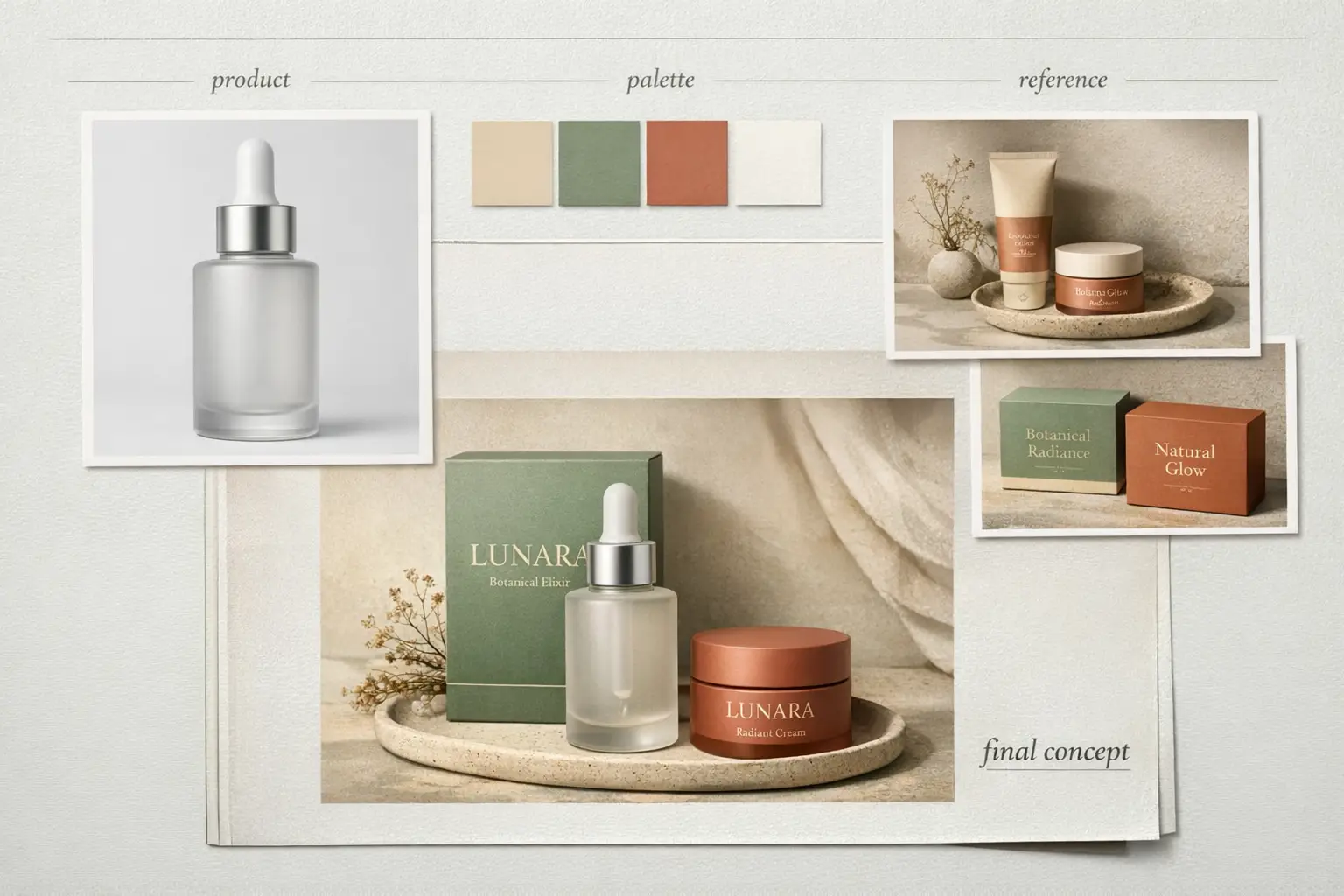
Premium packaging hero image

Premium packaging hero image

Prompt composition

[product] + [surface/background] + [lighting] + [finish] + [usage context]

View full prompt analysisLoad More

Full prompt content

A premium frosted glass skincare bottle on a warm textured stone plinth, soft directional studio light, subtle soft shadow gradient, clean minimal ecommerce hero layout, realistic subtle reflections, modern luxury packaging, uncluttered background, polished commercial photography finish

Why this example works well

This prompt is specific, material-aware, and explicit about lighting and commercial finish requirements.

Desired output outcome

A polished product image ready for a landing page hero, product detail page, or marketing ad mockup.

Helpful usage tips

  • Name the product and surface before describing overall mood.
  • Use specific material words like frosted glass, matte, brushed metal, or textured paper stock.
Poster with text

Excellent prompt alignment

Best when the headline, hierarchy, and poster framing matter as much as the background artwork.
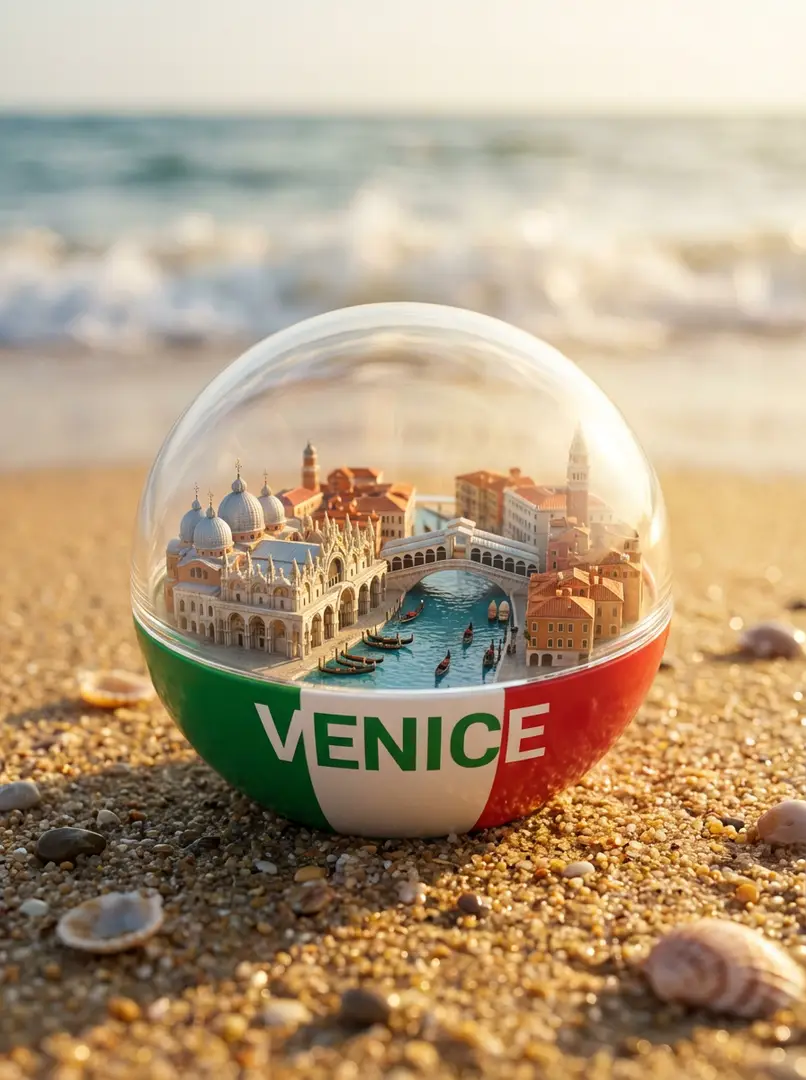
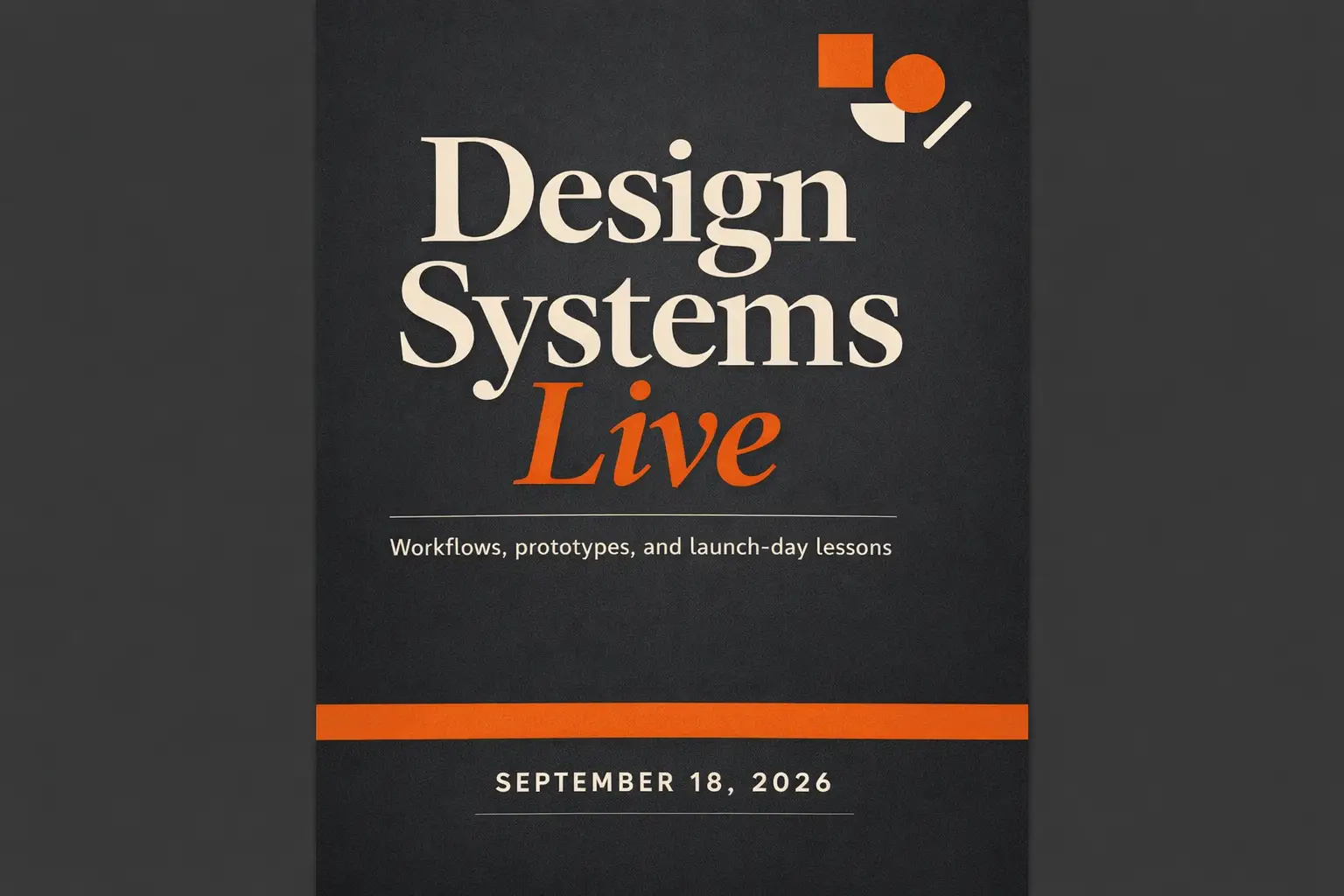
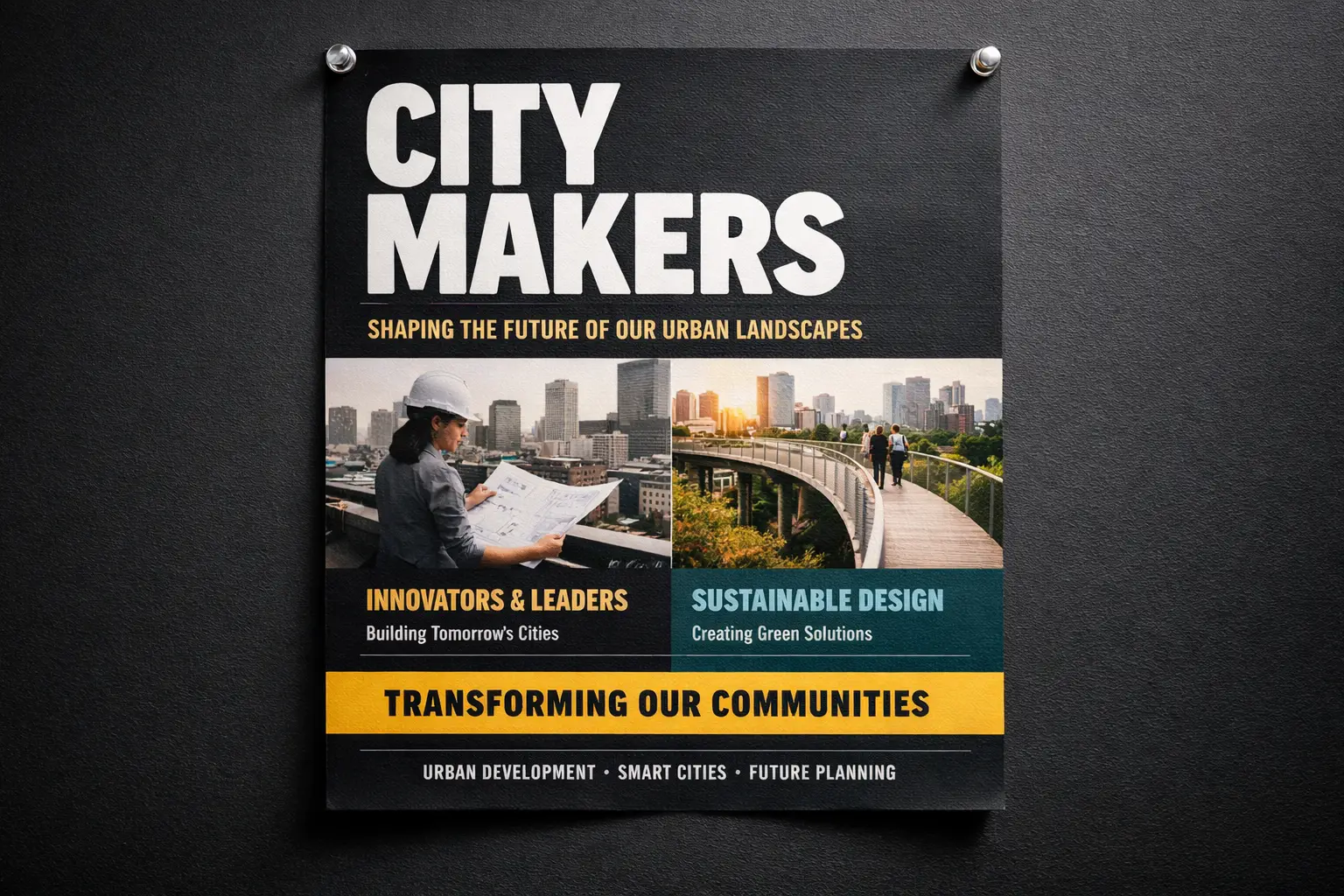
Launch poster with readable headline

Launch poster with readable headline

Prompt composition

[subject] + [headline text] + [layout hierarchy] + [background style] + [poster intent]

View full prompt analysisLoad More

Full prompt content

Modern launch poster for a design conference, bold centered headline "Design Shift 2026", smaller subhead "Creative systems for teams", strong clear text hierarchy, solid black background with neon cyan and metallic silver accents, premium editorial poster layout, fully readable typography, clean balanced spacing

Why this example works well

The prompt separates poster content, text hierarchy, and visual treatment instead of mixing everything into generic vague style words.
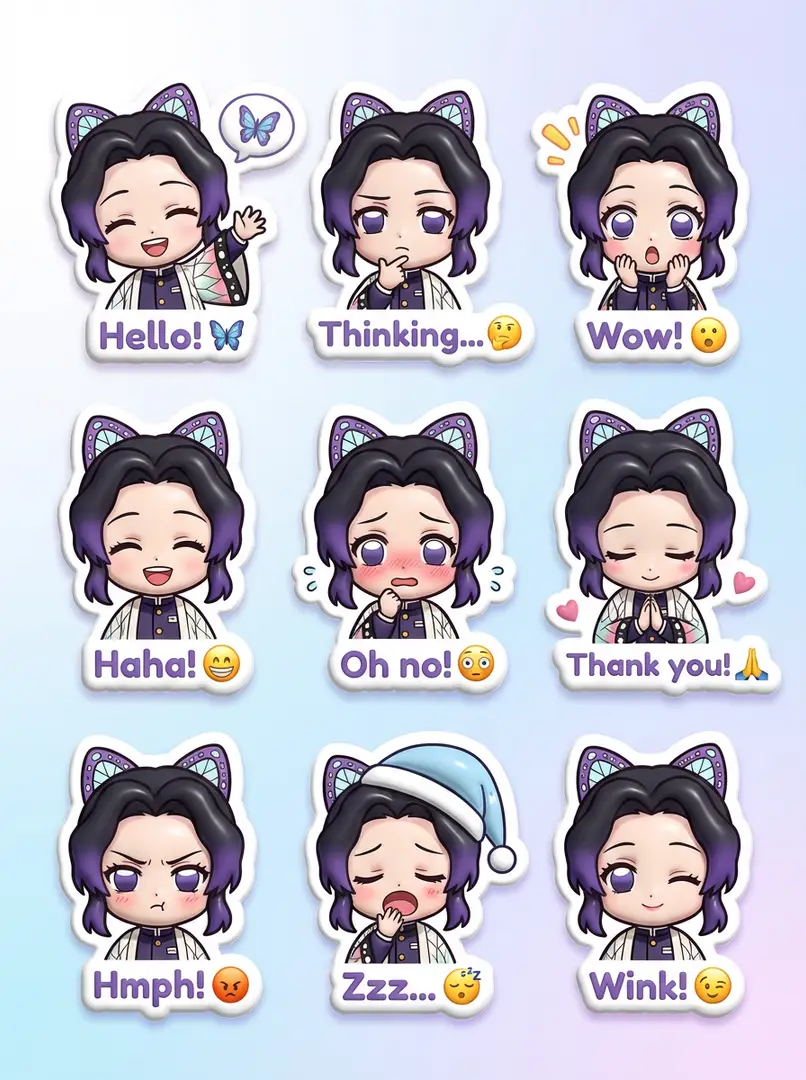
Desired output outcome

A text-aware poster concept with stronger layout direction and cleaner typography.

Helpful usage tips

  • Put exact copy in quotation marks when wording must stay 100% accurate.
  • Describe hierarchy separately from colors and overall creative mood.
image-to-image

Excellent prompt alignment

Best for controlled edits where the base object or layout should stay recognizable.

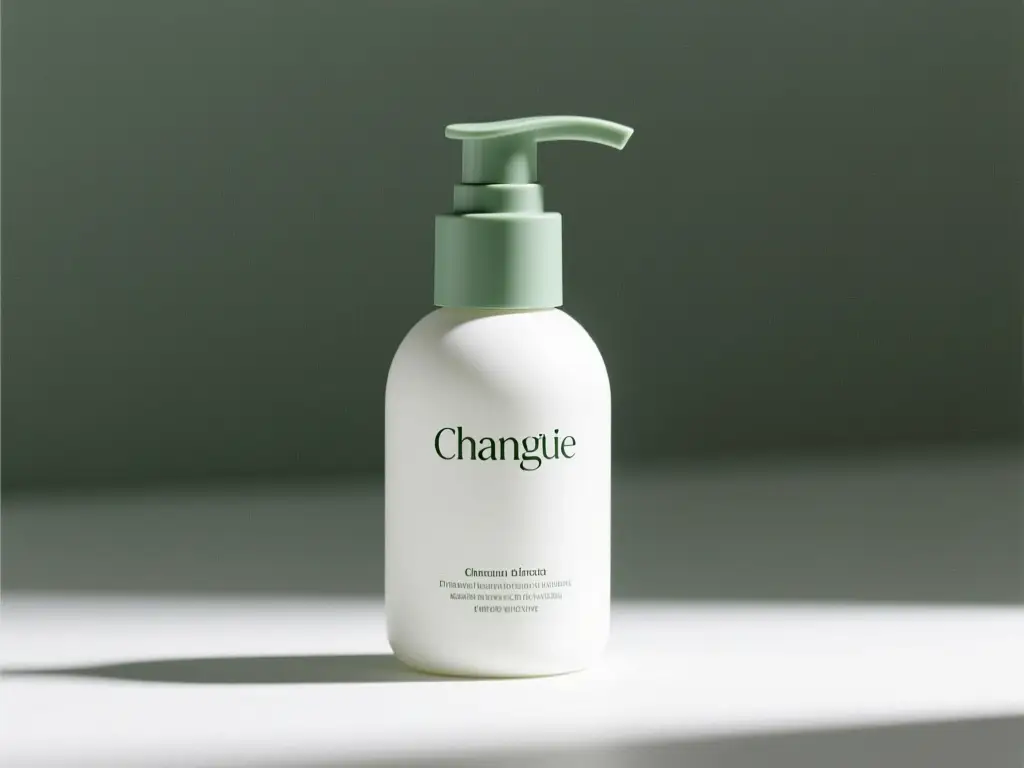
Reference-guided packaging refresh

Reference-guided packaging refresh

Prompt composition

[what stays] + [what changes] + [new style/material/color direction]

View full prompt analysisLoad More

Full prompt content

Keep the bottle shape, front-facing layout, and cap structure exactly as shown in the reference image. Update the packaging to matte white with desaturated sage accents, softer diffused editorial studio light, more premium skincare branding direction, cleaner retail presentation, subtle controlled shadow placement

Why this example works well

It tells the model what must remain stable before asking for the edit, which reduces unwanted output drift that alters your core product.

Desired output outcome

A controlled refresh that preserves product identity while upgrading the entire visual system.

Helpful usage tips

  • State the stable elements first before describing requested changes.
  • Keep the edit request narrower and more focused than the original core concept.
Campaign creative

Excellent prompt alignment

Best for polished editorial campaigns where mood, finish, and styling drive the creative work.

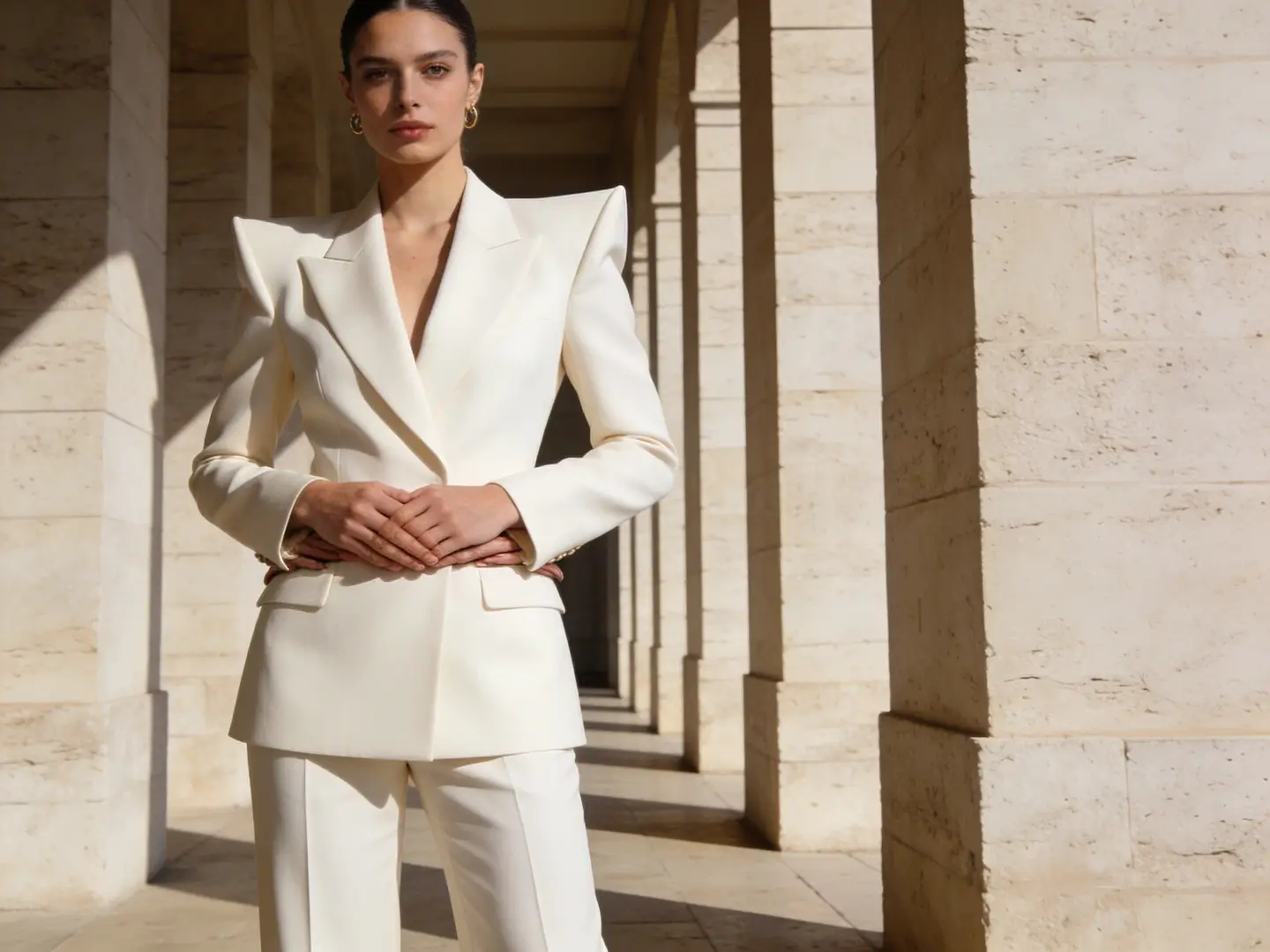
High-end fashion campaign frame

High-end fashion campaign frame

Prompt composition

[subject] + [styling] + [camera feel] + [lighting] + [campaign finish]

View full prompt analysisLoad More

Full prompt content

High-end editorial fashion campaign frame, confident model in structured cream tailoring, medium waist-up shot, soft warm luxury boutique lighting, subtle natural shadow falloff, glossy magazine-grade finish, premium minimalist styling, restrained neutral palette, high-resolution campaign image for a luxury brand launch

Why this example works well

It gives the model a clear editorial use case, restrained palette, and explicit premium finish target.

Desired output outcome

A polished campaign-style image you can adapt for lookbooks, ads, or website hero banners.

Helpful usage tips

  • Stick to one strong fashion or commercial context instead of mixing multiple competing goals.
  • Keep the palette narrow when you want a cohesive luxury result.
Is this page right for you?

Use this page when you want to compare image models and generate right now

This page is built for when your workflow is clear but the best image model is not. Start broad, compare results, then go deeper once one family proves it fits your needs.

Use this page when you want one place for all AI image generation

Great when you want to move between text-to-image and image-to-image quickly, compare multiple model families, and keep your entire workflow simple.

Use a dedicated model page when the model is already decided

Go to a model-specific page when you already know you want GPT-4o, Z-Image, Seedream, Flux, or Nano Banana and need deeper prompt patterns or model-specific real-world examples.

Real Community Examples

Real community examples and model discussions around AI image generation

These videos, X posts, and Reddit threads show how working creators compare image models in real production workflows instead of only relying on published spec sheets.

Example generated video outputs

Community shares from X

Reddit public community threads

FAQs

FAQ

About Kling 4 and our platform

What kinds of AI images can I generate on this page?

You can generate text-to-image and image-to-image outputs all right here, and switch models any time you want a different prompt output, improved text rendering, or an entirely new visual aesthetic.

Which image models can I access here?

You can choose from GPT-4o, Nano Banana Pro, Nano Banana 2, Seedream, Flux, Qwen Image, Z-Image, and Nano Banana Flash, with preconfigured options for every common image creation workflow.

Does this generator support working from reference image inputs?

Yes, fully. This workspace supports all reference-image based workflows, so you can start with just text or add one or more reference images when layout accuracy, product shape consistency, or subject matching is critical to your project.

How do I choose the best model for my specific project?

Pick GPT-4o for projects where clean text rendering and strict adherence to your instructions matter most. Go with Nano Banana when you need robust hosted editing and support for multi-image context. Use Seedream for polished campaign-style visuals, Flux for flexible art direction, and Z-Image when open-model workflows are a top priority for your work.

Do all available models support the same set of aspect ratios and input options?

No, they don't. The interface only shows aspect ratios, input limits, and resolution options that your currently selected model natively supports, so you never get invalid generation requests.

When is this page a better fit than a dedicated individual model page?

Use this page when you want to get started creating right away and compare outputs from multiple image models quickly. Switch to a dedicated model page once you've settled on your preferred model, and want deeper prompt examples and model-specific workflow guidance.

Still have questions? We're here to help

Join Discord
Popular Paths

Popular dedicated image model pages

Jump into a dedicated image model page when one family starts to look like the right fit for your project.

GPT-4o Image Generator

Use it when text rendering, diagrams, and strict instruction-following matter most.

Explore full model details

Nano Banana Pro

Use it for higher-end hosted image generation and stronger multi-image editing workflows.

Explore full model details

Nano Banana 2

Use it when grounded generation or richer image context awareness matters for your project.

Explore full model details

Seedream 4 Image Generator

Use it for polished campaign visuals and a distinct hosted image output aesthetic.

Explore full model details

Z-Image Generator

Use it when open-model workflows and self-hosted follow-through are top priorities.

Explore full model details

Flux 2 Image Generator

Use it when you want another route to polished art direction and prompt-led image generation.

Explore full model details

Start generating AI images today

Pick a model, add a prompt or reference image, and generate your first version above.

Explore Unique AI Image Styles on Nadou

Explore 0 one-of-a-kind artistic styles for AI image generation on Nadou, with top models and custom prompts to power your creativity

No Scenes Available Yet

No scenes are live here yet. Check back soon for new creative styles from Nadou!